
Download WhoDat Portable – whois, domain, ip, lookup, portable, tool, utility, free, mobile app
Overview
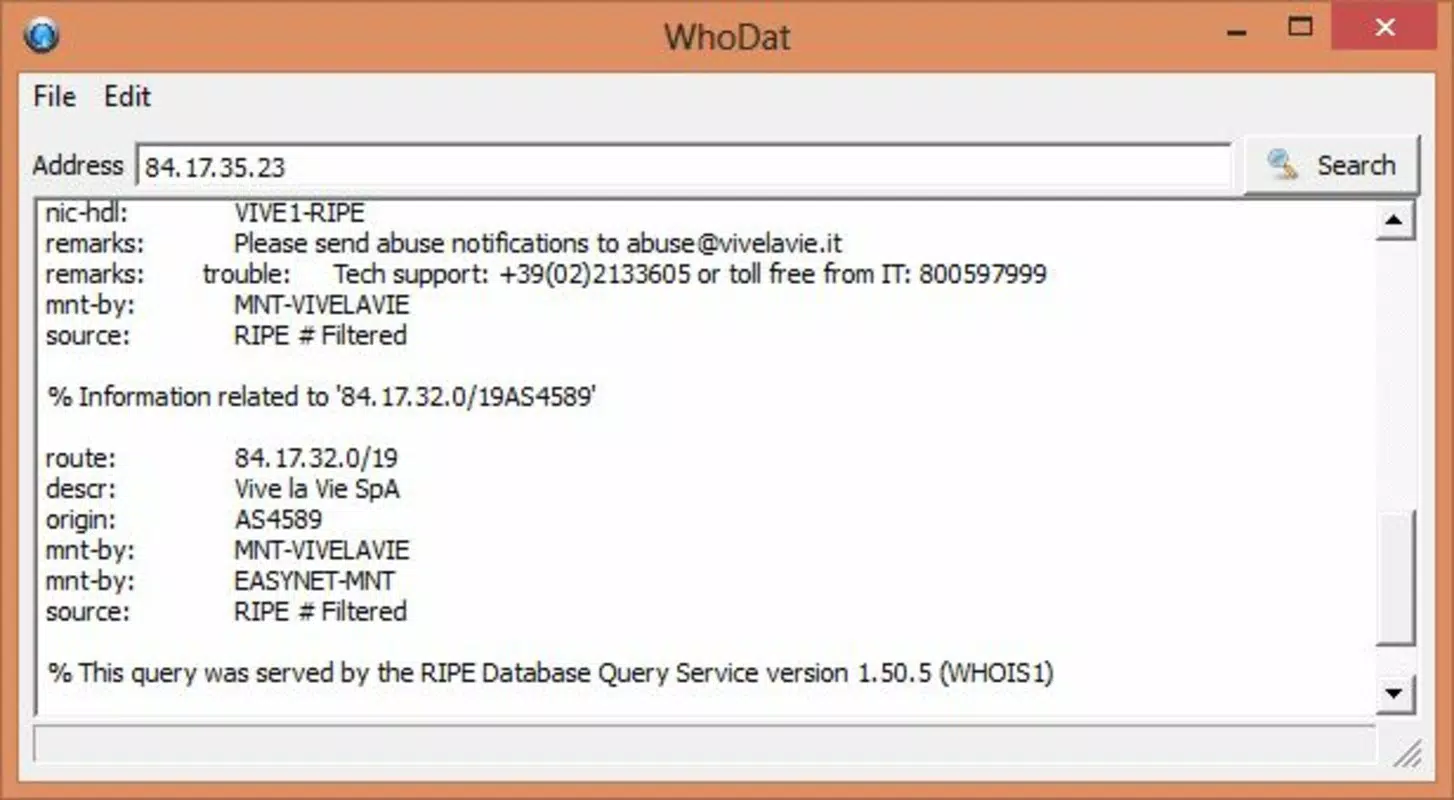
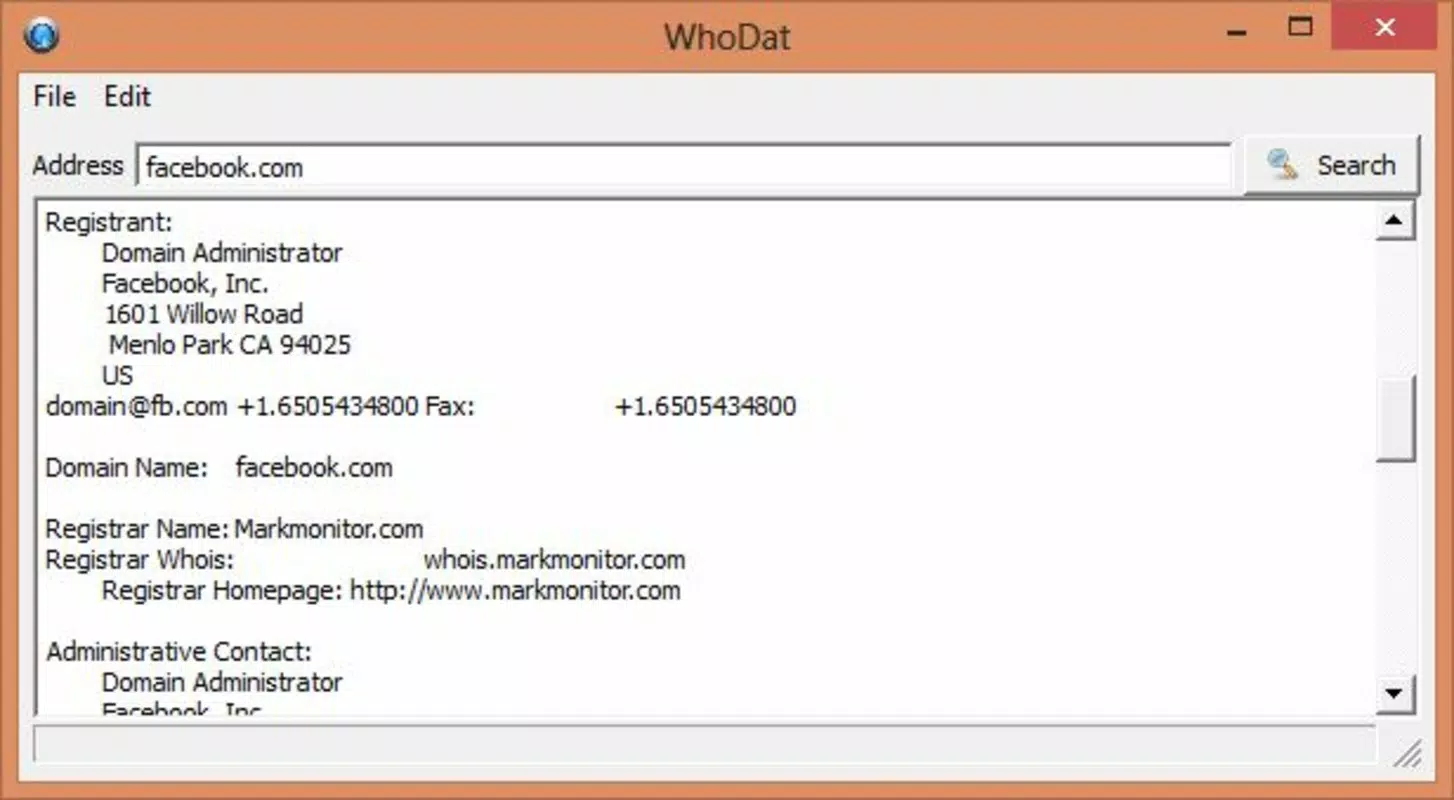
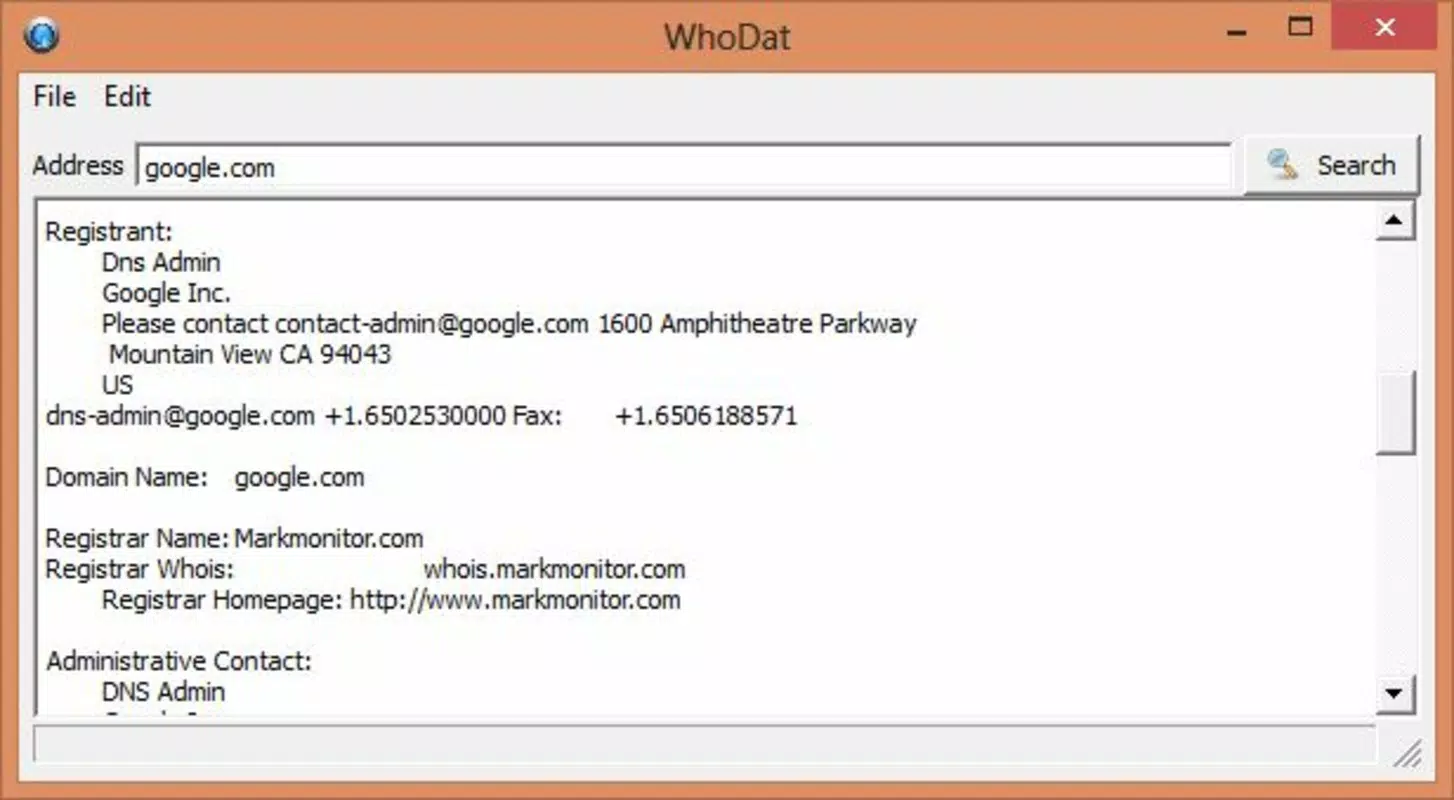
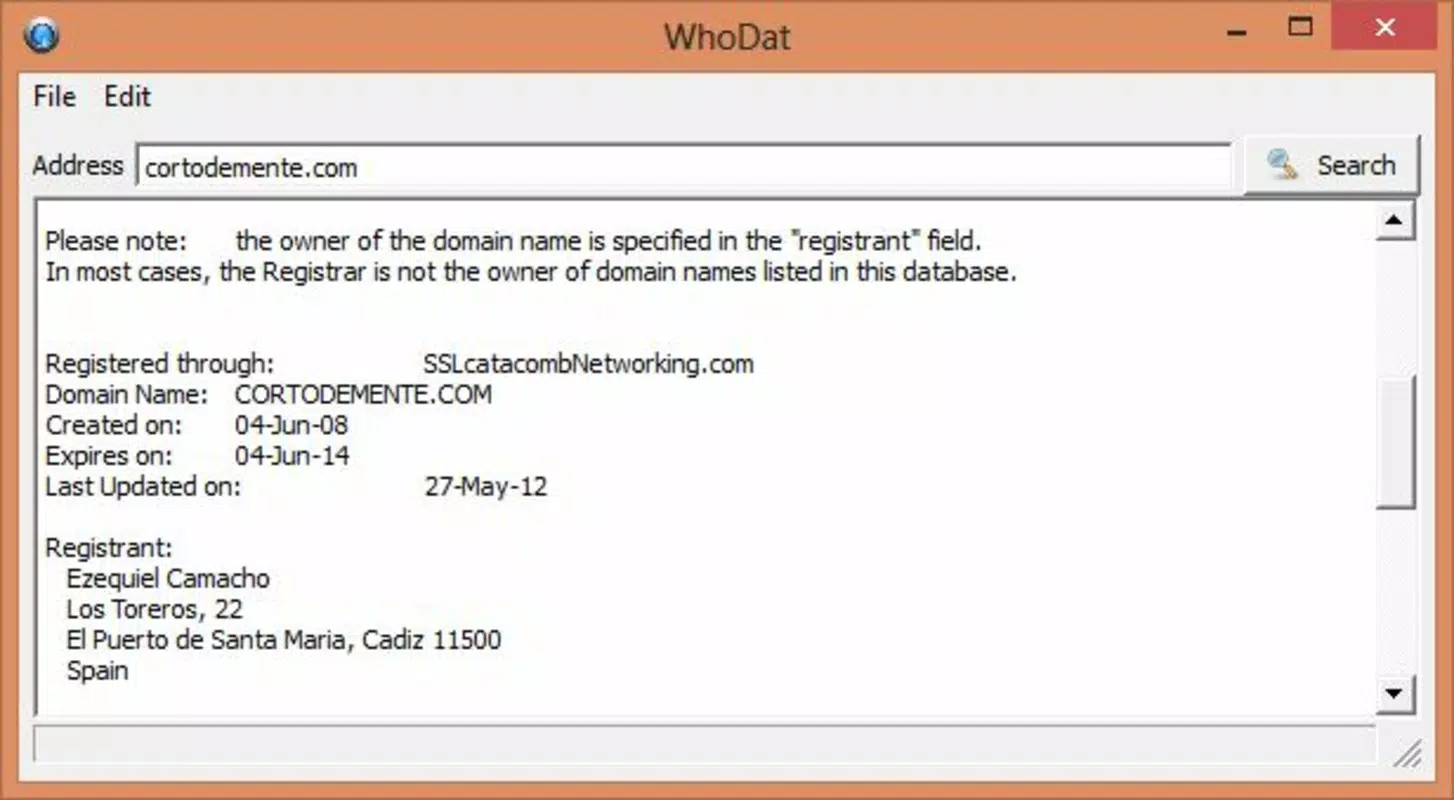
WhoDat Portable is a lightweight utility designed to simplify the process of retrieving WHOIS information for domains and IP addresses. The app serves as a direct, accessible tool for users seeking to identify the registrant, registration date, and contact details associated with a specific domain or IP address. This information is publicly available but often difficult to access without technical knowledge or command-line tools. WhoDat Portable eliminates that barrier by providing a streamlined interface that allows users to enter a domain or IP address and receive instant results.
The app is particularly useful for individuals involved in digital security, network troubleshooting, or online investigations who need quick access to registration data. It caters to both casual users and professionals who require a fast, no-install solution for WHOIS lookups. The developer, WhoDat Portable, has focused on creating a minimal yet effective tool that prioritizes functionality over complexity. As a portable application, it does not require installation, making it ideal for use on shared or restricted devices.
Real-world applications include identifying suspicious domains, verifying ownership of a website, or diagnosing network issues. In the broader app ecosystem, WhoDat Portable fills a niche for lightweight, task-specific tools that operate efficiently without consuming significant system resources. Its free availability and minimal size enhance its accessibility, supporting a growing demand for privacy-aware, on-the-go digital utilities.
Key Features & Functionality
- Instant WHOIS Lookup – Enter any domain name or IP address directly into the app to retrieve registration details in real time.
- Portable Operation – No installation required; run the app directly from a USB drive or portable storage device.
- Text Copy & Export – Select and copy specific sections of the WHOIS data, or save the entire response as a plain text file for later reference.
- Simple, Clean Interface – Designed for immediate usability with minimal learning curve.
- Lightweight Design – Only 2.1 MB in size, ensuring fast loading and minimal impact on device performance.
For example, a cybersecurity analyst could use WhoDat Portable during a threat investigation to quickly determine the origin of a malicious domain. A webmaster might use it to verify ownership details after a site migration. The ability to run the app from a USB drive makes it ideal for use in secure environments where software installation is restricted. The export function allows users to archive records for compliance or audit purposes. Each feature is built around the core need for speed, simplicity, and portability, ensuring that users get actionable data without unnecessary steps.
Interface, UX & Performance
The user interface of WhoDat Portable is intentionally minimal, focusing on functionality over visual flair. The layout centers around a single input field where users enter a domain or IP address, followed by a clearly labeled "Lookup" button. Results are displayed in a scrollable text area, formatted in plain text to preserve readability and compatibility. Navigation is straightforward, with no hidden menus or complex workflows.
Despite the lack of detailed design specifications, the app maintains a high level of usability across various device sizes. The interface adapts to different screen dimensions, ensuring that input fields and results remain legible. Although the developer did not list formal performance metrics, the app’s small size suggests efficient resource usage. It loads quickly and responds promptly to user input, even on older Android devices.
Stability appears to be a priority, as the app functions without apparent crashes or errors during standard use. The absence of advertisements or background processes contributes to its smooth operation. However, the developer did not provide information on battery consumption or memory usage. Overall, the app delivers a reliable, distraction-free experience tailored to its specific purpose.
Platform Compatibility & Technical Requirements
WhoDat Portable is designed for the Android platform and operates on devices running Android OS. The app is available in version 1.2.0 and has a file size of 2.1 MB, making it suitable for devices with limited storage. The developer did not specify minimum OS requirements or hardware specifications, so compatibility with older or newer Android versions remains uncertain.
As a portable application, WhoDat Portable does not require installation, allowing it to be launched directly from a USB drive or other removable storage. This feature enhances its flexibility, particularly in environments where users cannot install apps due to policy restrictions. However, the developer did not disclose whether the app supports specific Android versions or device types beyond the general platform.
Users should ensure their device can run Android applications and has access to a USB port or compatible file system for portable execution. The app’s lightweight nature suggests broad compatibility, but exact device support was not fully disclosed.
Pros and Cons
Pros
- Free to download and use with no hidden costs.
- Extremely lightweight at just 2.1 MB.
- Portable—no installation required; runs directly from USB.
- Simple, intuitive interface suitable for users of all skill levels.
- Fast and responsive performance on supported devices.
Cons
- Developer did not provide detailed system or OS requirements.
- No information on battery usage or background processes.
- Interface lacks visual customization or advanced filtering options.
- Only supports Android platform; no iOS or other OS availability confirmed.
- Results are displayed in plain text only; no interactive formatting or data visualization.
FAQ
Is WhoDat Portable safe to use?
Yes, the app is free from malware and does not require installation, reducing the risk of system compromise. It operates as a standalone tool that accesses public WHOIS data through standard network requests.
Can I use WhoDat Portable on my iPhone or iPad?
Currently, the app is only available for Android devices. The developer has not confirmed support for iOS or other platforms.
Do I need an internet connection to use WhoDat Portable?
Yes, a stable internet connection is required to access WHOIS data from public databases.
How do I run WhoDat Portable from a USB drive?
Transfer the app file to a USB drive, connect it to an Android device, and open the file using a file manager. The app will launch directly without installation.
Is my data stored or shared when using WhoDat Portable?
The app does not collect or store user data. All information is retrieved in real time from public WHOIS sources and is not retained after the session ends.
Final Thoughts
WhoDat Portable stands out as a focused, efficient tool for anyone needing quick access to WHOIS information. Its portability, simplicity, and zero cost make it an excellent choice for professionals and casual users alike. Whether you're investigating a suspicious website, verifying domain ownership, or troubleshooting network issues, this app delivers the essential data without unnecessary complexity.
While it lacks advanced features like data filtering or visual reports, its core functionality is executed flawlessly. The absence of installation requirements enhances its utility in secure or restricted environments. For users seeking a reliable, no-frills WHOIS lookup tool, WhoDat Portable is a practical and trustworthy option.
Download WhoDat Portable now


